
Redesigning a video player, browsering page, and additional features for an SaaS ed-tech startup
Team
Role
Timeline
Tools
Overview
The Impact
20+
4
6
Introduction
Larabee is an ed-tech startup that creates and hosts instructional short-form video content.
Larabee is an SaaS-based platform that works closely with companies to turn standard procedures into short-form instructional videos. Larabee combines clips of repeating actions with text instructions to ensure the learner can follow along step by step.
The Problem
Larabee's front-end was created by the team as needs arose. The system wasn't designed with a focus on usability, making it difficult to navigate. The site was also missing features that were intended to be in the wide-scale release.
The Solution
Identify where different types of users struggled and work with the founders and engineers to implement changes that address needs while maintaining the original vision for Larabee.
Research
I created a survey to learn more about users' experience using Larabee as a tool to learn new skills.
I made a survey for clients (n=23) at companies that were working with Larabee to create training tutorial videos for new staff. I asked who their target audience was (for internal use or customer facing), what information they needed accessible before a user started a lesson, and their interest in Larabee's Insight feature.
I interviewed Larabee staff and stakeholders to understand the experience of content creators' using the platform.
I took the time to interview Larabee staff and users who had undergone training using Larabee. Users reported a positive experience learning from Larabee, however, this group included different levels of prior skill experience and familiarity with the platform. I spoke with representatives from companies using Larabee for staff onboarding to understand their concerns about Larabee's effectiveness.
Key Insights
Combining the feedback I received from interviews with clients, the user survey, meeting with Larabee's founder, and my own heuristic testing, I identified key concerns for the redesign.
Larabee's Team
Larabee wanted to prioritize their unique features through the redesign. This led to a focus on the Insights feature, user customizability, and the way text and videos were presented togehter.
Companies Uploading Videos
Companies uploading content (for clients or employee onboarding) cared most about having their lessons easily identifiable. They were more focused on the browsing page than the video player itself.
Users Watching Lessons
Users cared most about parsing information in the video player. Being able to tell how long a lesson would be, how may steps there were, and what they would need before they started were all priorities.
Redesign
Redesigning the Video Player
I experimented with different iterations of the Video Player. Since there were so many parts of the page visible, I needed to figure out what could be hidden, and what Larabee wanted prominant.
Original
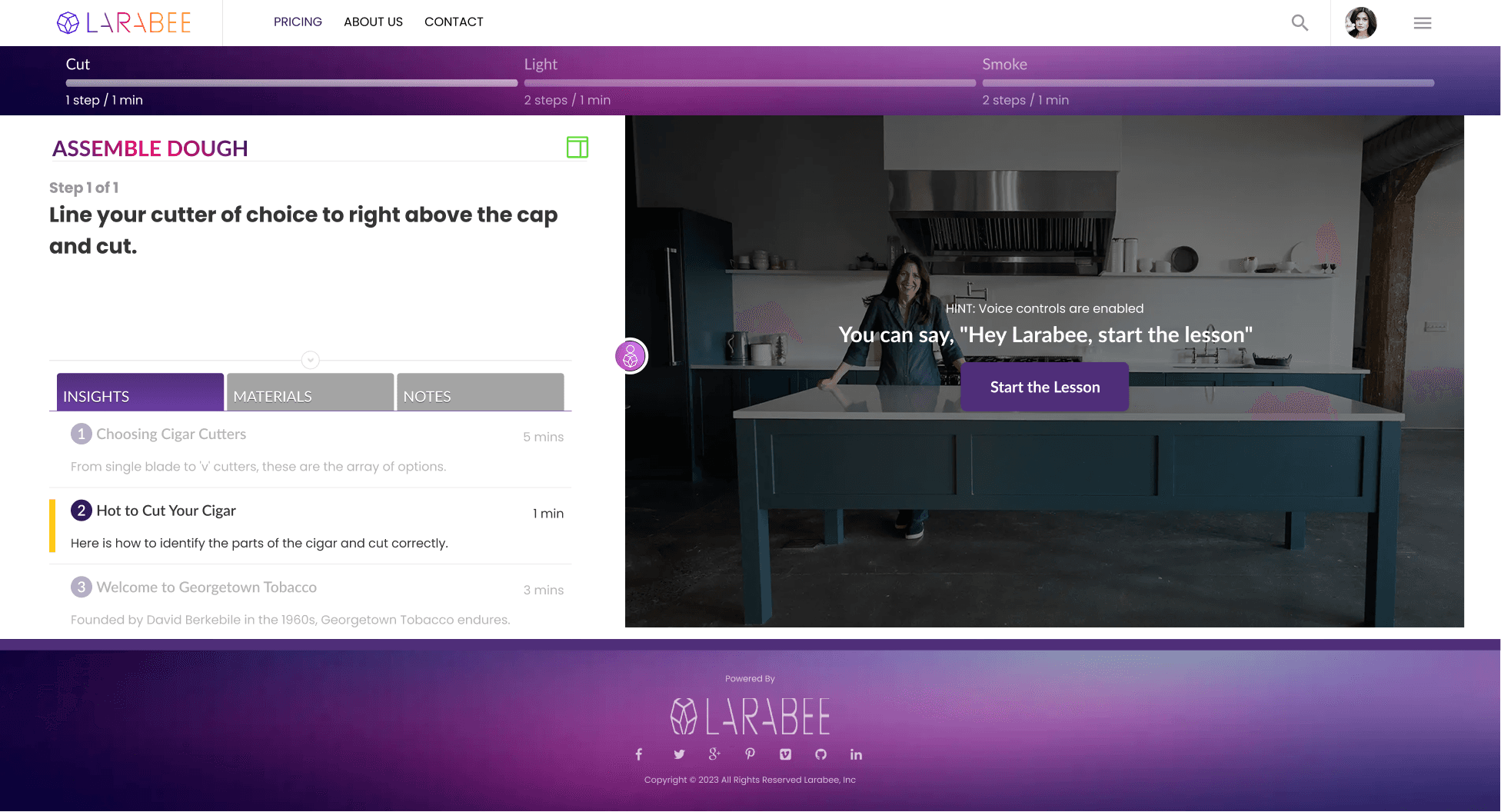
1st Iteration
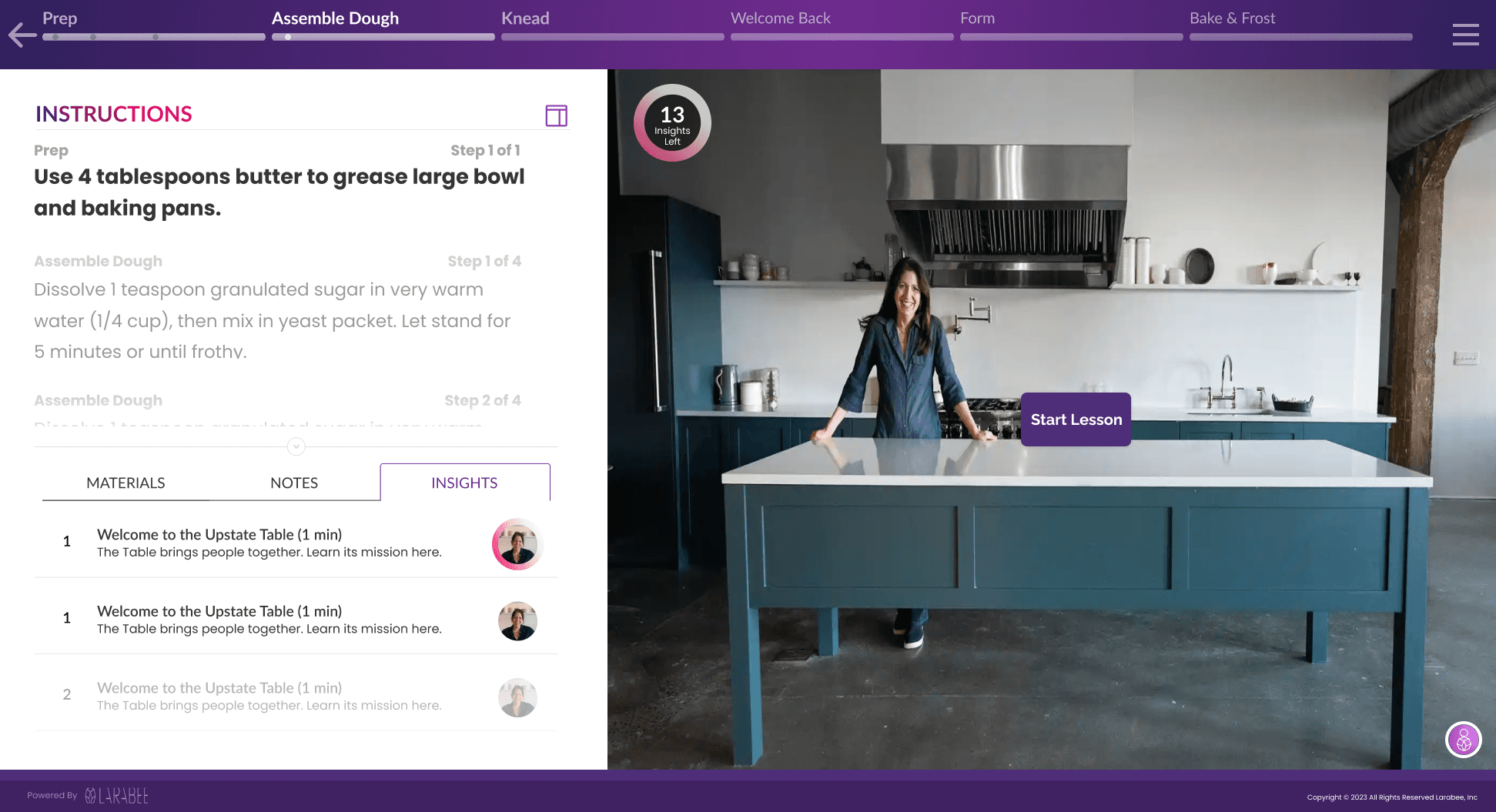
2nd Iteration
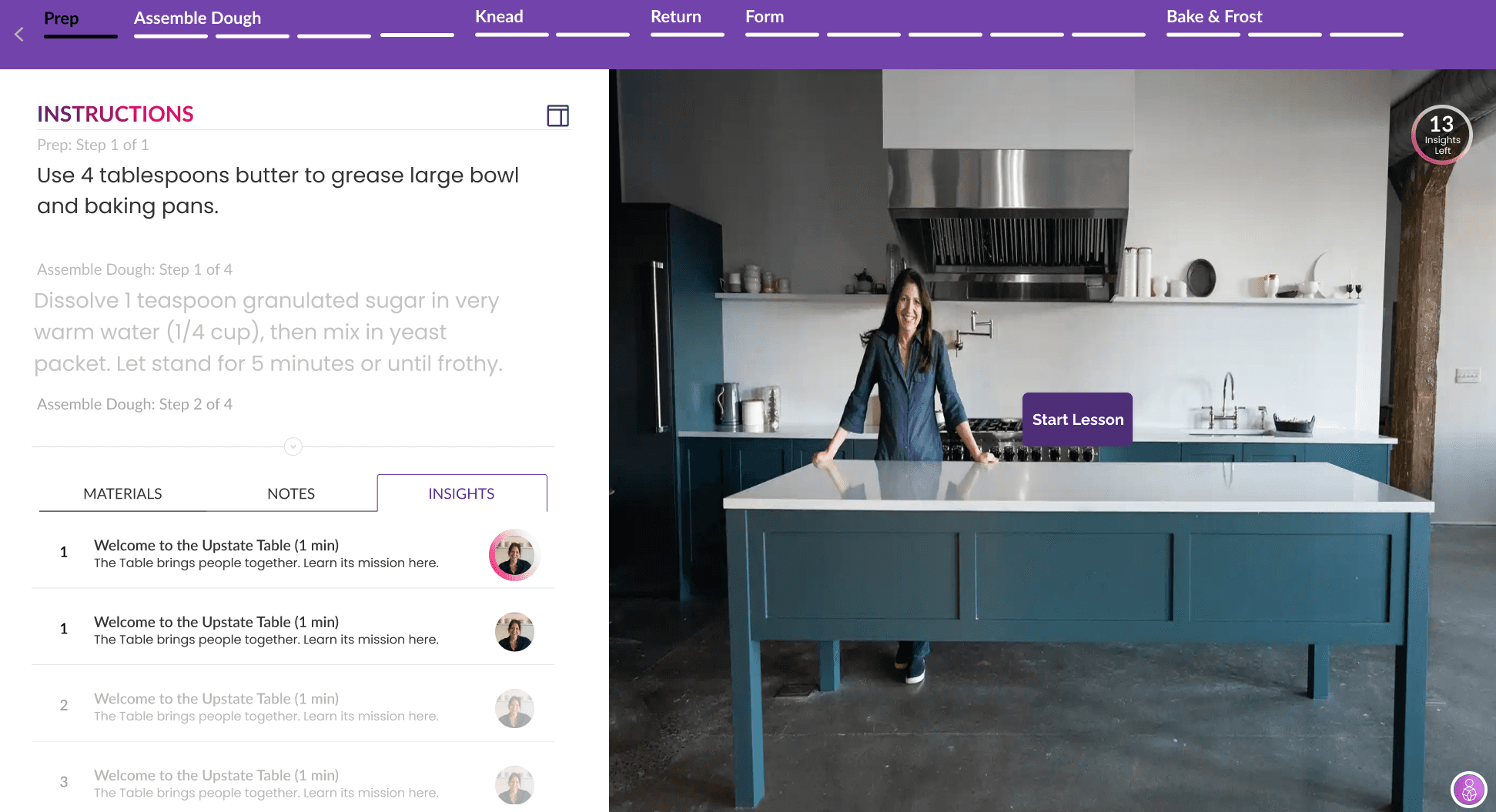
Final Product
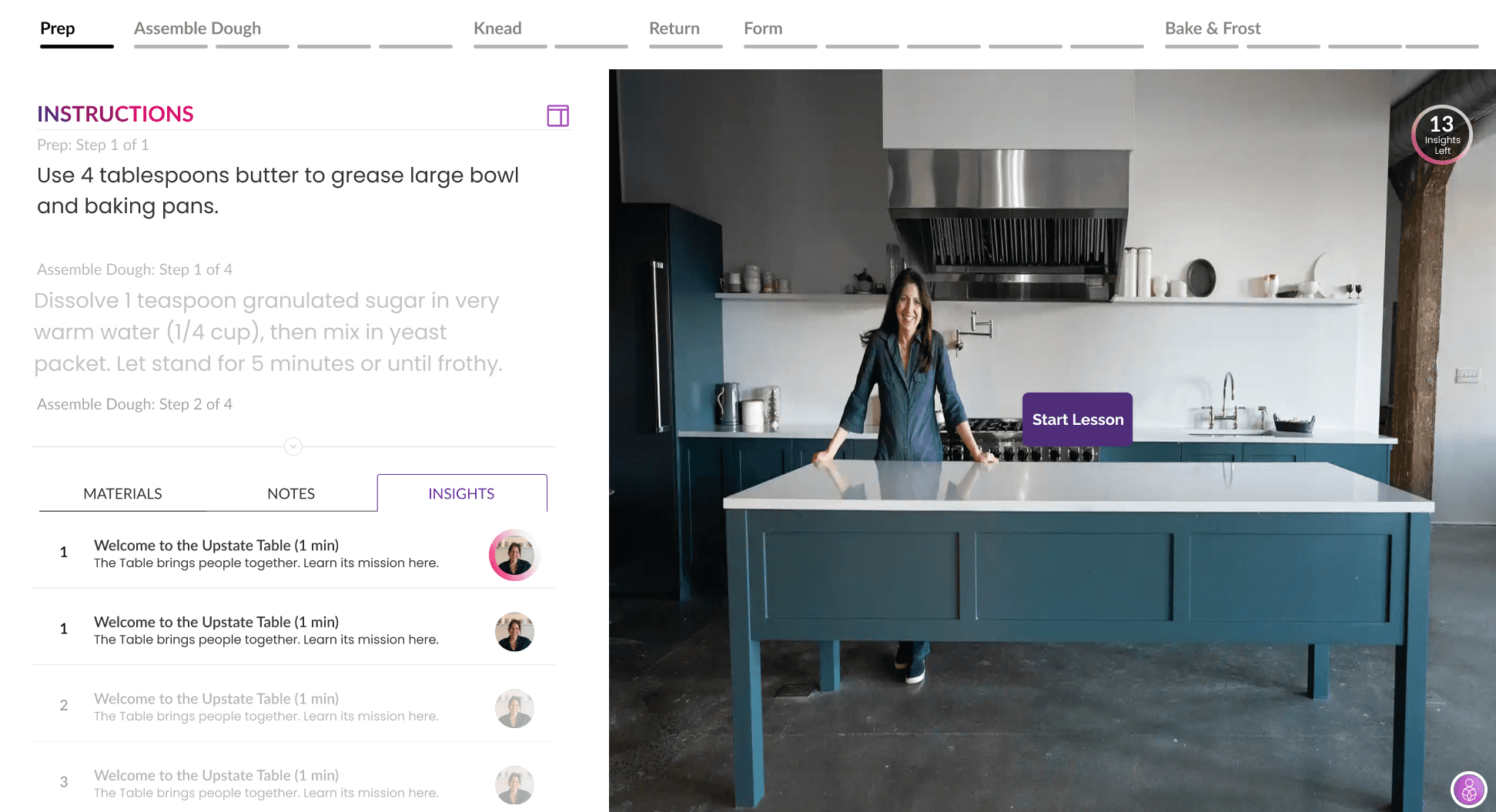
Redesigning the Browsing Page
Videos on Larabee are tagged with lots of information. A big part of this redesign was to determine what information needed to be visible, what could be minimized, and what didn't need to be user facing.
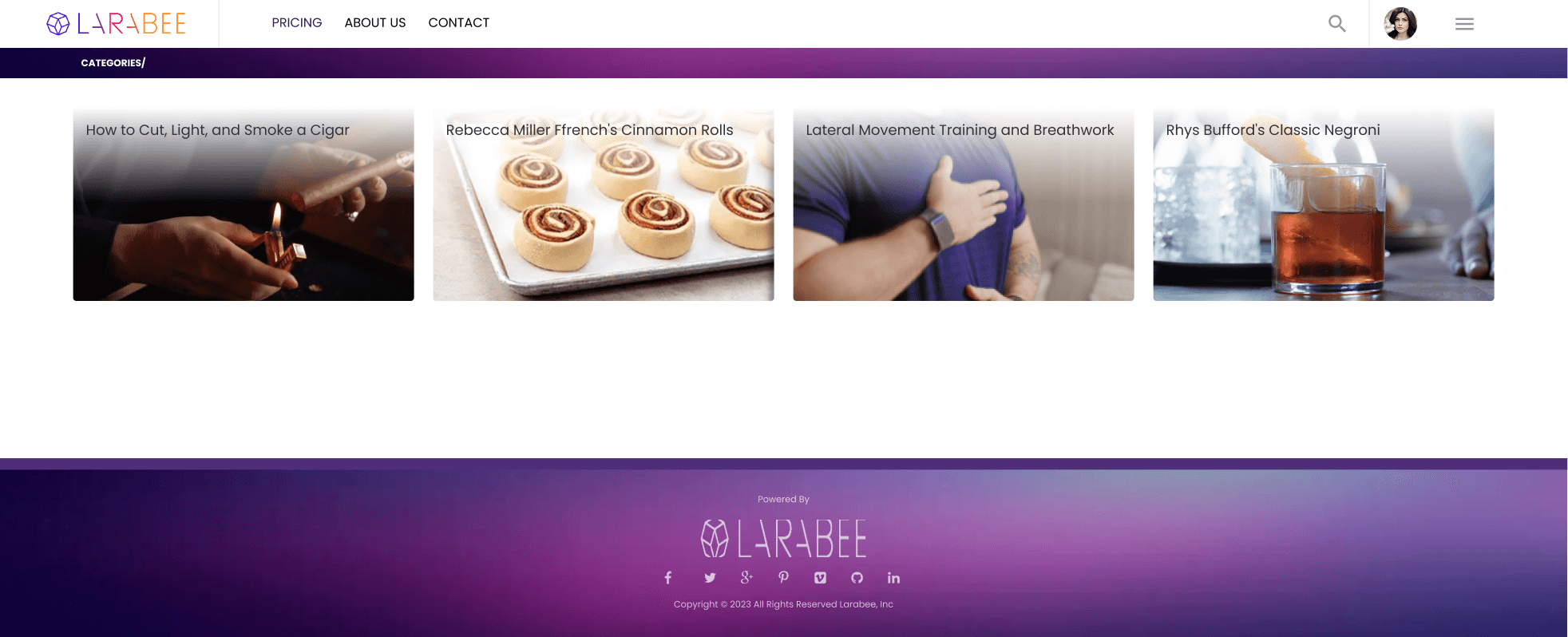
1st Iteration
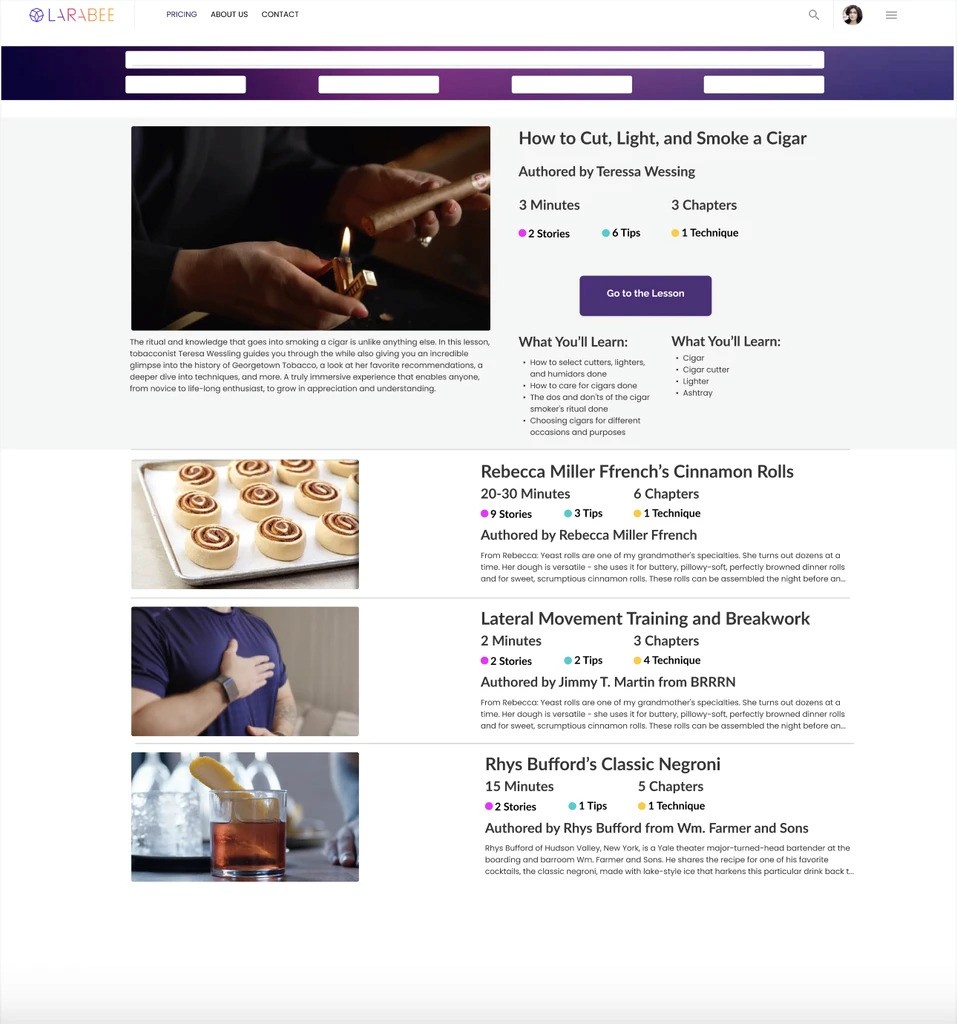
The Final Product
While meeting with my team to discuss the Browsing Page redesign, it became clear that the Original Page didn't have enough information, while the 1st Iteration had too much information. The Final Product ended up being the perfect Goldilocks solution— just right!
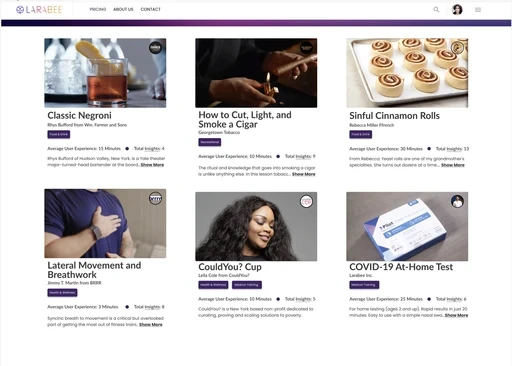
A feature Larabee wanted to prioritize was their Insight Library. My goal was to provide users with options for interacting with this content.
A unique feature that Larabee wanted to implement was the Insight Library, a compendium of pre-existing short form videos that could be attached to new lessons when uploaded. The feature needed to be accessible through the Video Player, and its content needed to be playable alongside a lesson, without becoming distracting. To accomplish this, I created 3 designs for implementing the Insight Library.


reflection